
Sustainable Server Performance: Proactive World Management for Long-Term Health
Published 2026-10-10 22:11 UTC · by PixelRaid Owner
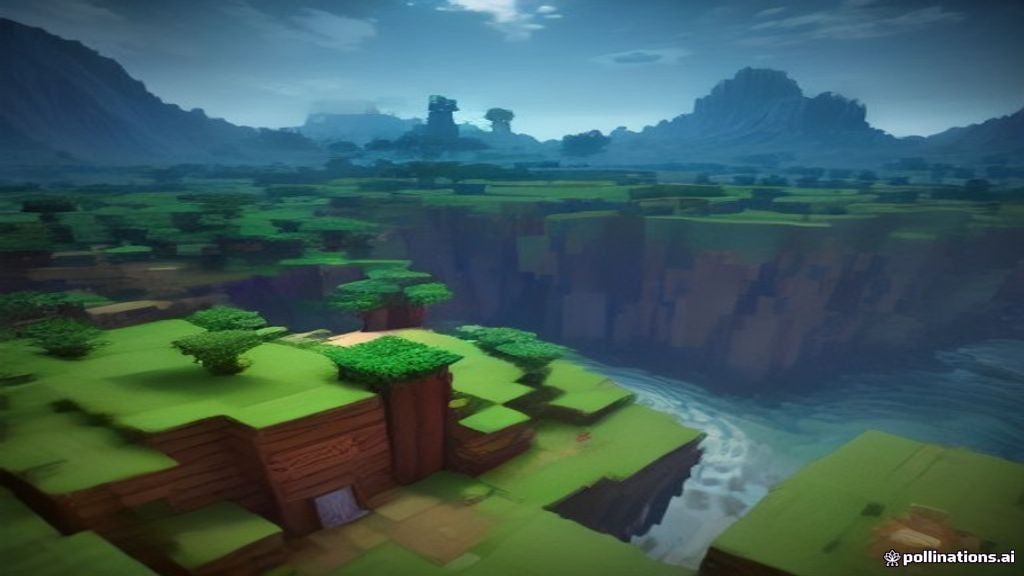
Sustainable Server Performance: Proactive World Management for Long-Term Health
Running a successful Minecraft server is a marathon, not a sprint. While initial setup and optimisation are crucial, maintaining peak performance over months and even years requires a proactive approach to world management. Over time, worlds can accumulate vast amounts of data, entities, and loaded chunks, leading to insidious performance degradation, often referred to as 'lag' or 'bloat'. This article will guide you through essential strategies to keep your server worlds lean, efficient, and responsive, ensuring a consistent and enjoyable experience for your player base.
The Silent Killers: Entities and Chunks
Two primary culprits often underpin long-term server performance issues: entities and chunks. Understanding how they accumulate and impact your server is the first step towards effective management.
Entities: Every non-block item in Minecraft that can move, be interacted with, or has unique properties is an entity. This includes passive and hostile mobs, dropped items, item frames, armour stands, minecarts, boats, and even experience orbs. While essential for gameplay, an excessive number of entities, especially in a small area or across many loaded chunks, can overwhelm your server's CPU, leading to noticeable tick rate drops and player lag. Common sources include inefficient mob farms, item duplication glitches, or simply long-running servers where dropped items and untamed animals accumulate.
Chunks: Minecraft worlds are composed of 16x16 block sections called chunks. When players explore, chunks are generated and loaded into the server's memory. While chunks naturally unload when players move away, sometimes they remain loaded due to chunk loaders, redstone contraptions, or even bugs. Furthermore, every generated chunk adds to your world's file size, contributing to disk bloat. An overly large world with many infrequently visited, yet loaded, chunks can strain both memory and disk I/O, impacting overall performance.
Entity Management Strategies
Effective entity management is a cornerstone of long-term server health.
Core Server Software Settings: Modern server software like Paper and Purpur offer extensive configuration options to control entity behaviour. These are your first line of defence.
- Entity Despawn Rates: Adjusting how quickly items and certain mob types despawn can significantly reduce entity count. Look for settings related to item despawn rates, living entity despawn distances, and mob caps within your paper.yml or purpur.yml. For example, increasing item.despawn-rate can clear dropped items faster.
- Entity Activation Ranges: These settings control how far away an entity needs to be from a player before it becomes "active" (e.g., moves, attacks). Reducing these ranges can lower the processing load for entities far from players. Be cautious not to set them too low, as it can make remote farms or mob grinders seem broken.
- Mob Caps: While vanilla Minecraft has mob caps, Paper and Purpur provide more granular control, allowing you to limit specific entity types per chunk or per world. This is crucial for preventing runaway mob farms.
Plugin Solutions: Several plugins are designed specifically for entity management.
- ClearLagg: A popular plugin that periodically clears dropped items, hostile mobs, and other non-essential entities. It often includes warnings before clearing, allowing players to retrieve items. Configure its frequency and what it clears carefully.
- EssentialsX (and similar suites): Many general-purpose plugin suites include basic cleanup commands or features to manage entities.
- Custom Entity Limiters: For specific scenarios, you might find plugins that allow you to set strict limits on certain entity types within a defined radius or chunk.
Best Practices for Players: Educating your player base on efficient building practices can also help. Encourage:
- Centralised storage: Discourage leaving items scattered.
- Efficient farms: Design mob and item farms to despawn or collect entities quickly rather than allowing them to accumulate.
- Redstone optimisation: Encourage efficient redstone builds that only run when needed.
Chunk Management and Optimisation
Managing your server's chunks is vital for controlling world size and memory usage.
World Border Enforcement: This is perhaps the most critical step. A world border prevents players from endlessly exploring and generating new chunks.
- Set a reasonable border: Consider your player count, server resources, and desired gameplay style. A common range might be 5,000 to 15,000 blocks in radius for a survival server.
- Command example: /worldborder set 10000 0 for a 10,000 block radius centered at 0,0.
- Pre-generate the world: Once a border is set, consider pre-generating the chunks within it. This process generates all chunks up to the border, preventing lag spikes from on-demand generation during player exploration. Many world management plugins offer pre-generation tools, or you can use server-side tools.
Identifying and Pruning Rogue Chunks: Sometimes, chunks can remain loaded unnecessarily or become corrupted.
- Monitoring: Use profiling tools like Spark (spark profiler --timeout=60 --thread * --gui) to identify chunks that consume excessive resources. Timings reports also highlight regions with high tick times.
- Plugin-based tools: Plugins like WorldEdit can be used to select and delete regions of chunks. This should be done with extreme caution and always after a full backup. For example, //sel chunk, then //pos1 and //pos2, then //cut to remove chunks.
- External editors: Tools like Amulet Editor (a standalone program) allow you to view, edit, and prune chunks from your world files directly. This is a powerful tool but requires shutting down the server and carries a high risk of world corruption if not used correctly. Always back up your world before using such tools.
Consider a separate resource world: For servers with heavy resource gathering, consider implementing a separate, periodically reset resource world. This keeps your main survival world pristine and prevents it from growing indefinitely or being heavily mined out.
Regular Maintenance Routines
Proactive world management isn't a one-off task; it's an ongoing routine.
Scheduled Cleanup Commands: Automate tasks like clearing dropped items or specific mob types using server console scheduling tools or plugins.
Database Optimisation: If your server uses plugins that store significant amounts of world-related data in a database (e.g., grief prevention claims, economy data), regular database maintenance (e.g., optimising tables, removing old entries) can improve performance.
Monitoring: Regularly review performance reports (Spark, timings) to catch emerging issues. Look for specific chunks or entity types that are consistently high on the tick-time list.
The Role of World Borders
The world border is your most effective tool for preventing uncontrolled world growth and managing server resources. By limiting the area players can explore, you:
- Reduce disk space usage: Fewer generated chunks mean smaller world files.
- Improve backup times: Smaller worlds are faster to back up.
- Concentrate player activity: Encourages interaction within a defined space.
- Reduce load on the CPU: Less chunk generation and loading.
Always set a world border early in your server's lifecycle and communicate its presence to your players.
Advanced Considerations
Data Pack Considerations: The vanilla game and many mod packs benefit from data packs that tweak entity behaviour or resource generation. Some data packs are specifically designed to improve performance by modifying despawn rules or mob spawning mechanics. Carefully research and test these before deployment.
Balancing Freedom and Performance: It's a constant challenge to balance giving players freedom to build and explore against maintaining server performance. Clear communication of server rules and limitations regarding large farms, redstone contraptions, or excessive entity accumulation can help manage player expectations. Offer alternatives or guidance for efficient designs.
Checklist for Proactive World Management
- Set and pre-generate a world border early.
- Configure Paper/Purpur entity despawn rates and activation ranges.
- Implement mob caps for specific entity types.
- Utilise a cleanup plugin (e.g., ClearLagg) with scheduled intervals.
- Educate players on efficient building and farming practices.
- Regularly review Spark profiles and timings reports for performance bottlenecks.
- Consider a separate, reset resource world for heavy gathering.
- Perform regular backups before any major world editing or pruning.
Conclusion
Sustainable server performance in Minecraft is achieved through diligent, proactive world management. By actively controlling entity accumulation, managing chunk generation, and establishing clear boundaries, you can significantly mitigate the common causes of lag and bloat. This ongoing effort ensures your server remains a fast, stable, and enjoyable environment for all players, fostering a thriving community. If you're looking for robust infrastructure to support your carefully managed worlds, PixelRaid Hosting offers managed services designed for optimal Minecraft performance.
Sources and further reading
PaperMC Documentation: https://docs.papermc.io/paper/admin/reference/paper-config
PurpurMC Documentation: https://purpurmc.org/docs/purpur/
Spark Profiler: https://spark.lucko.me/
Amulet Editor: https://www.amuletmc.com/
WorldEdit: https://dev.enginehub.org/javadoc/worldedit/latest/